
Here the user can view the list of generated and executed purchase orders.
Follow the mentioned steps to view the purchase order receive list.
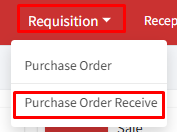
Step 1: Go to > Requisition > Purchase Order Receive.
Step 2: A list of purchase orders will be displayed on the screen with details, ‘Receive date’, ‘Challan No.’, ‘Challan Date’, ‘Receive Type’, and ‘View’ columns.
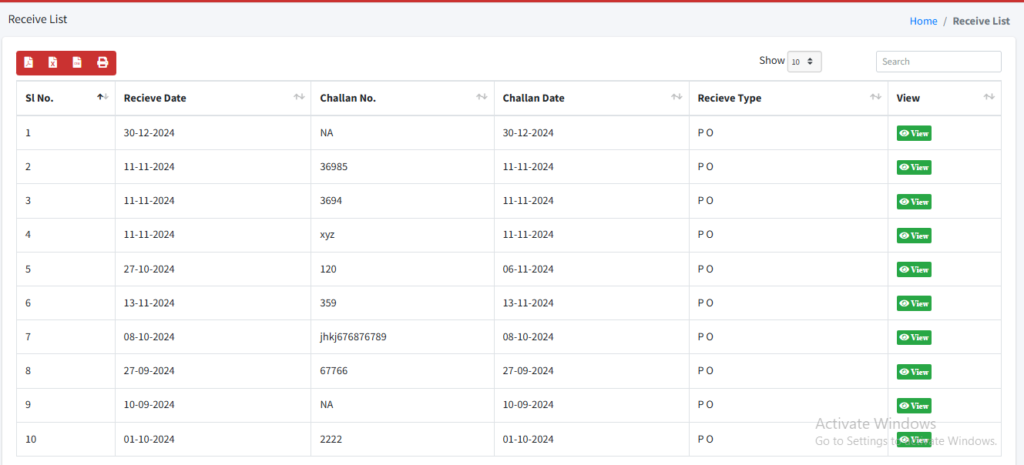
Step 3: Click on the view button  to see the detailed information on the purchase order.
Need help?
Have you any question which is not answered in this knowledge base? Contact us. We are here to help you.